
A few days ago, all major mirror sites went down, making it a problem to pull Docker images.
At first, I didn't care; when it was down, I just used a proxy to pull. However, when I used Docker locally, even with the proxy, I couldn't pull normally.
So I started looking for solutions and found the following options:
- Build using
Cloudflare Workers, requires adomain-> Original Post - Self-host
Nexus 3, requires a foreignVPS, preferably with4GB RAM or more, and also requires adomain-> Original Post - Use
Github Actionto transferDockerHubimages to Alibaba Cloud private repository, this only requires aGithubaccount -> Original Post - Use
Nginx reverse proxy, more suitable for those who already have a server -> Original Post - Other options include finding ready-made image sources, but these are generally not very stable, so I didn't consider this.
I used the first option, which is relatively simple. The tutorial in the original post is not very detailed, so I will elaborate here.
- Go to Cloudflare homepage, create a new Worker in the left
Workers & Pages, and save theAccount IDon the right.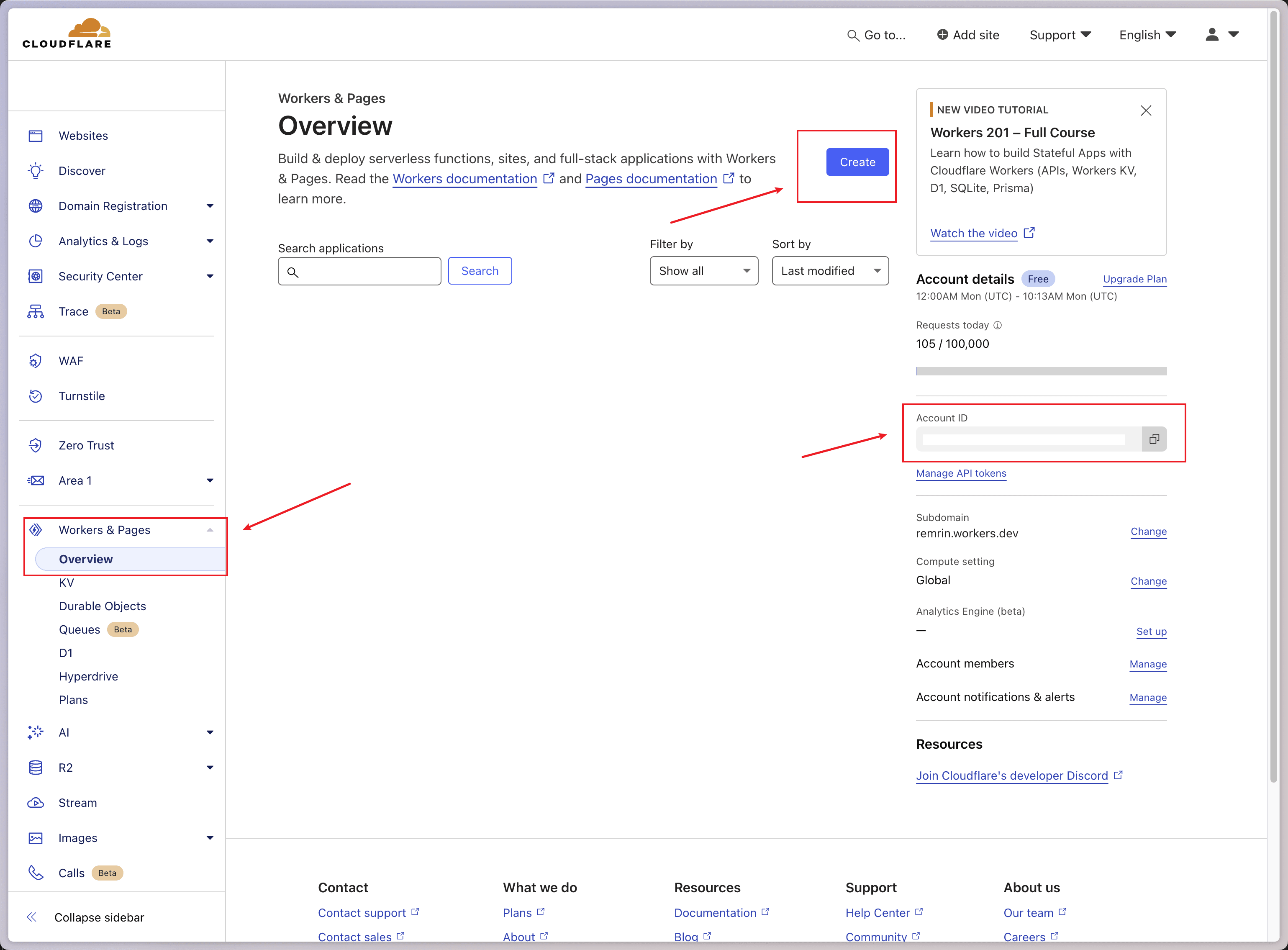
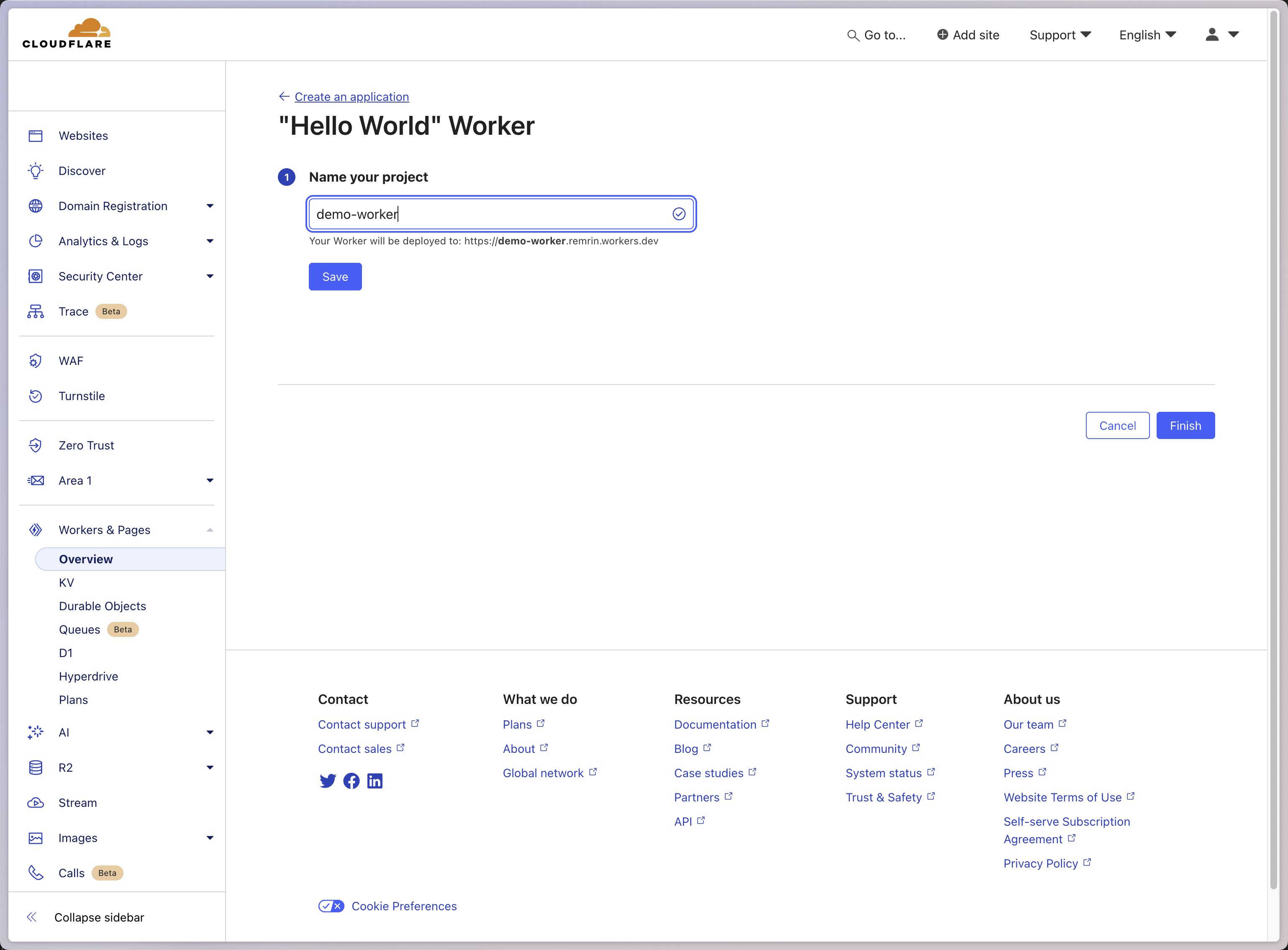
Give the Worker a name, click Save, then click Finish.
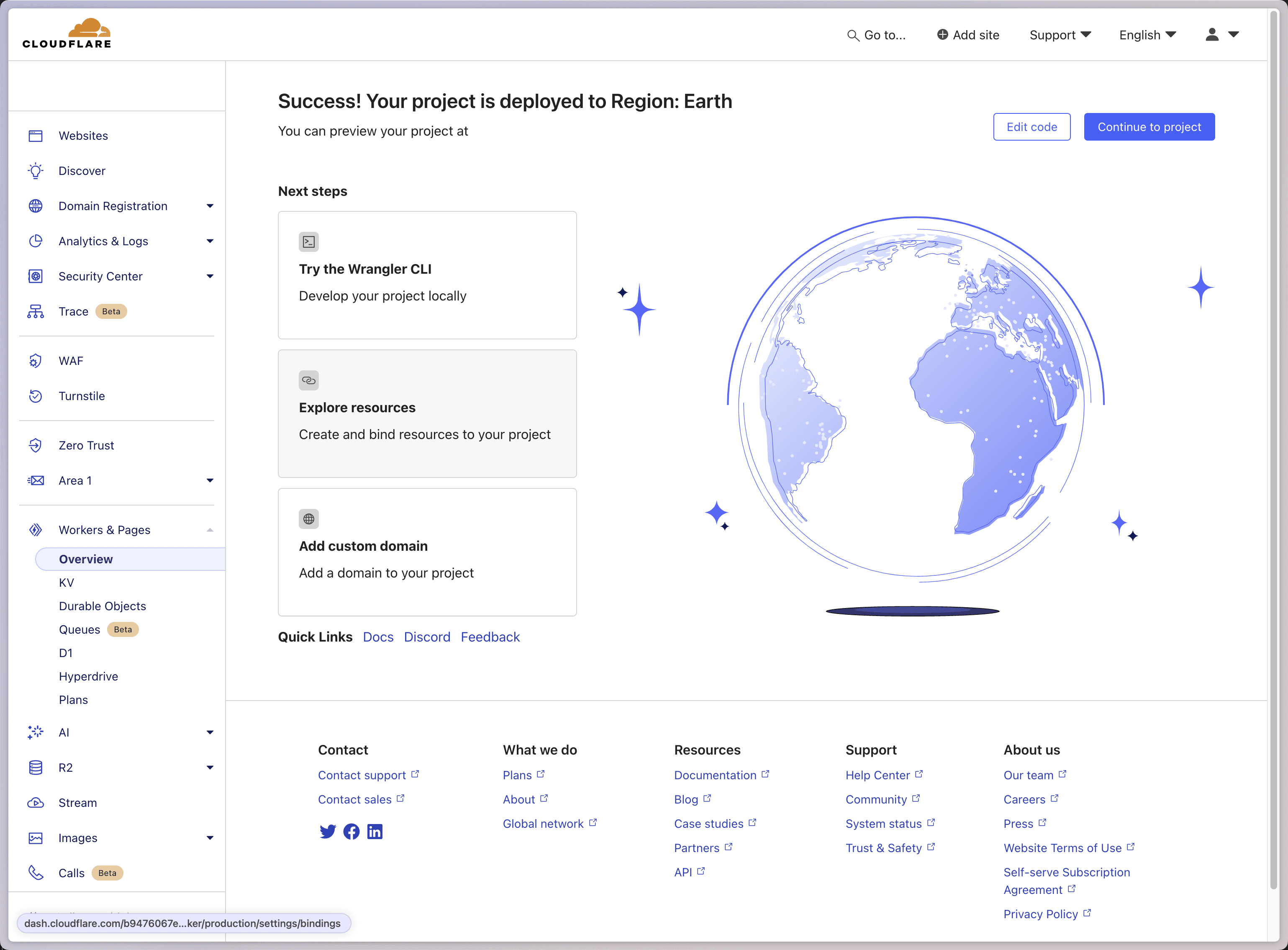
When this page appears, you can proceed to the next step.
Forkthis repository,Cloneit to your local machine.
As usual, first install the dependencies.
pnpm i
Then rename wrangler.toml.sample to wrangler.toml.
cp wrangler.toml.sample wrangler.toml
Edit the wrangler.toml file, modifying name and account_id.
name = "name of the worker"
account_id = "fill in the Account ID copied above"
main = "src/index.ts"
workers_dev = true
compatibility_date = "2024-06-08"

kv_namespaces = [
	 { binding = "HAMMAL_CACHE", id = "your kv id" }
]
- Get the
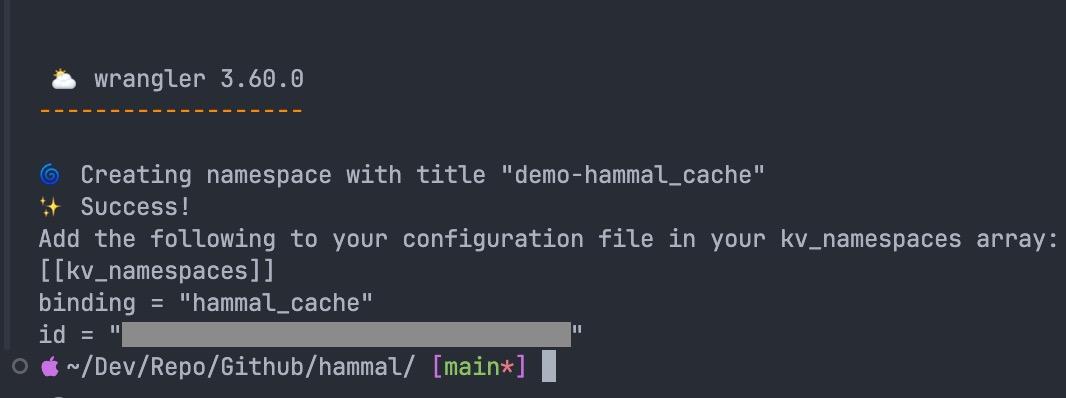
kv ID, executing the command below will output the id, modify theidin the configuration.
npx wrangler kv:namespace create hammal_cache
- Then deploy by executing.
pnpm run deploy
Warning
You will be prompted that you are about to publish a Workers service, which was last published through the Cloudflare Dashboard. Edits made through the Cloudflare Dashboard will be overwritten by your local code and configuration.
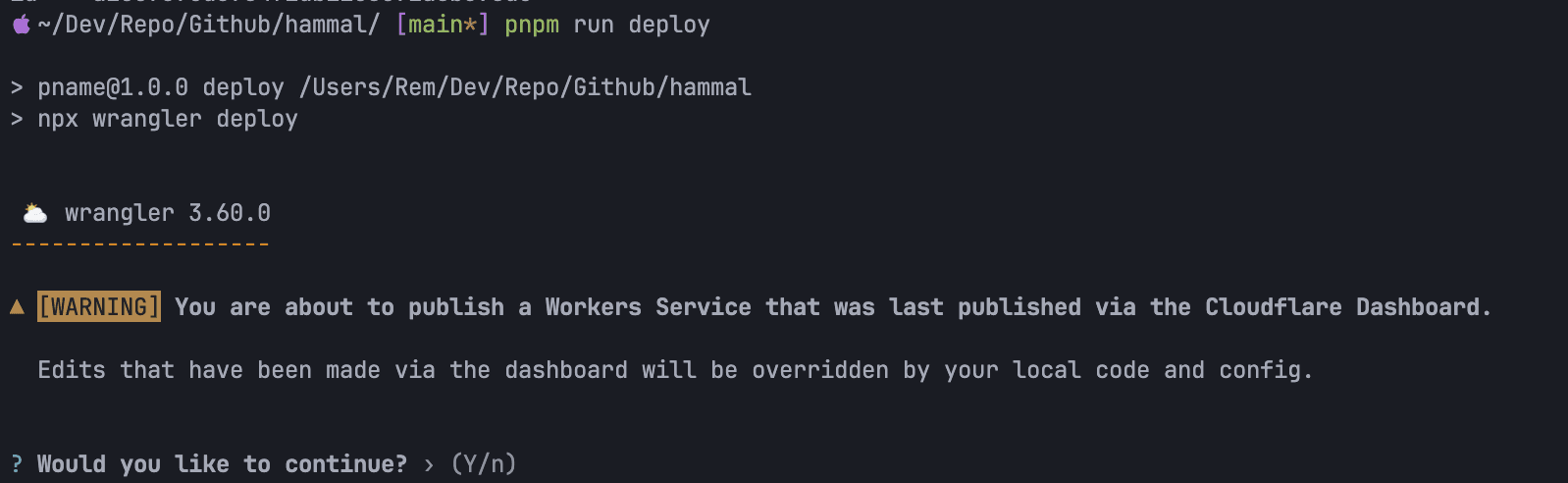
Enter y, and it should normally open the browser for you to authorize. Just authorize; I didn't get a prompt here because I had already deployed it.
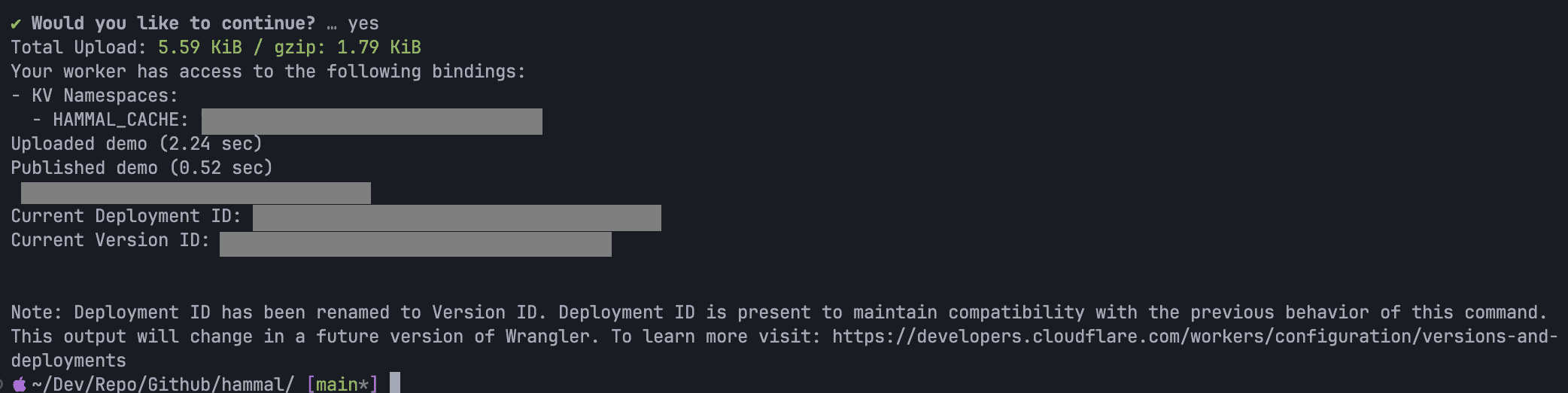
- Add a domain to the newly deployed
Worker.
Wait for the domain to take effect, and you can use it normally. Generally, on the server, modify /etc/docker/daemon.json, and configure the source address you just set up.
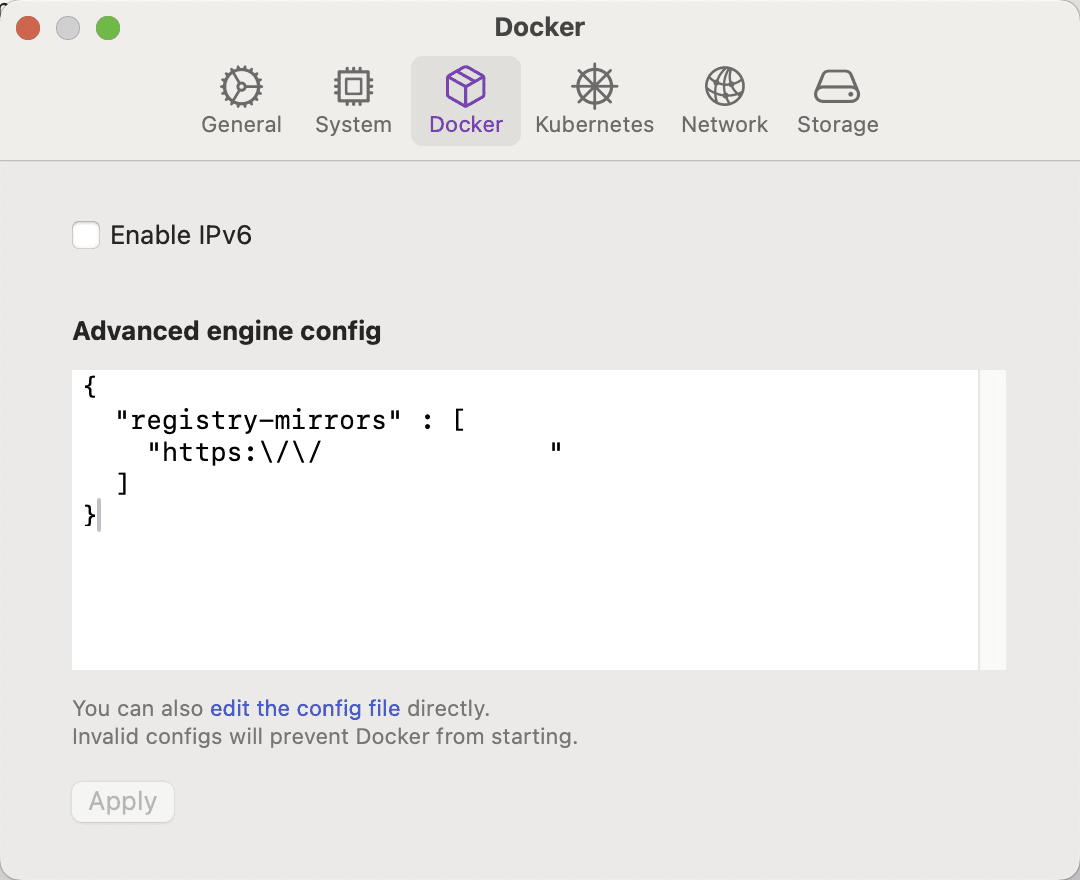
"registry-mirrors": [
    "https://hammal.example.com"
  ]
I am using Orbstack on Mac, so I need to configure it directly in the software.
This article is synchronized and updated to xLog by Mix Space. The original link is https://remrin.dev/posts/dev/docker